
For those who had been following my tweets (with hashtag #Maxis10Reviews), you’ll notice that I have been using the camera a lot on my HTC Desire.
Like I said before, I’m no techie & I’m appreciating the phone more for it’s æsthetics and it’s easy to use functions suitable for an on-the-go female.
And like all females, I whip out my camera more often that not at any events and for any reason. I do however, rely more on my point and shoot camera as my previous handphones doesn’t photographs very well.
Things are different now that I got a HTC Desire. Yup, even my Nexus One loses out to this baby. Hence, I thought this is worthy of a review post.
Camera specifications:The HTC DESIRE.
* 5 megapixel color camera
* Face detection capability
* Auto focus and flash
* Widescreen photo capture
* Geotagging
Average file size of image is 1.5 – 1.9 MB.
Camera – NEXUS ONE.
5.0 megapixel color camera
Auto focus & Flash
2X digital zoom
Geotagging
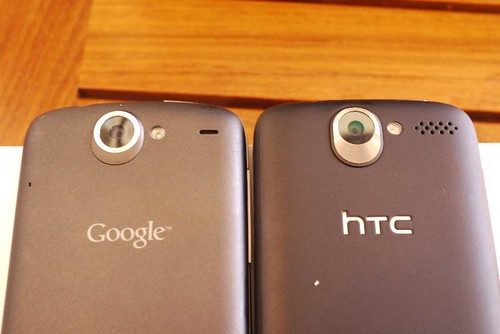
pic: Right: The HTC Desire, Left: Nexus One.
I have below some screenshots of the options/functions a HTC Desire owner can expect of it’s camera.
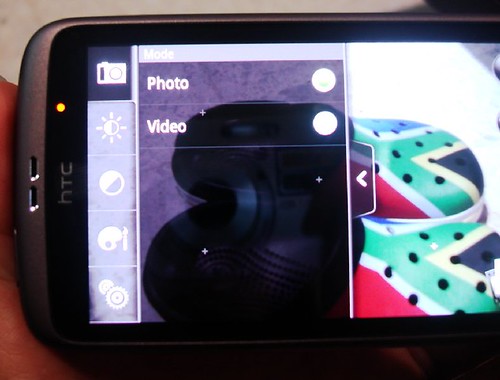
For starters, once you have activated the camera function, there is a slide out menu at the side where the other options are. The 1st option is well; choosing the PHOTO or VIDEO taking function.
For either one, the menu options remains the same, meaning that you will still be able to adjust the brightness, the image properties, etc.
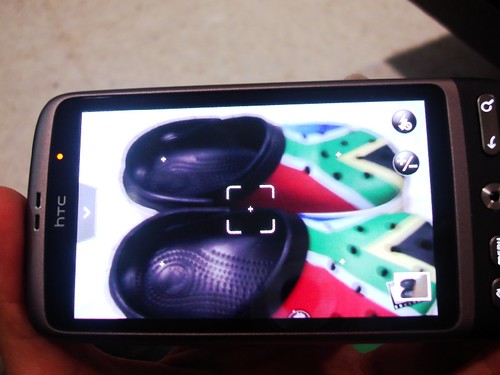
The camera will auto-focus on the object if you have the Auto-Focus function on. Else, tap on the screen to choose your focus point prior to pressing the trackball – which is akin to SHUTTER button on a camera.
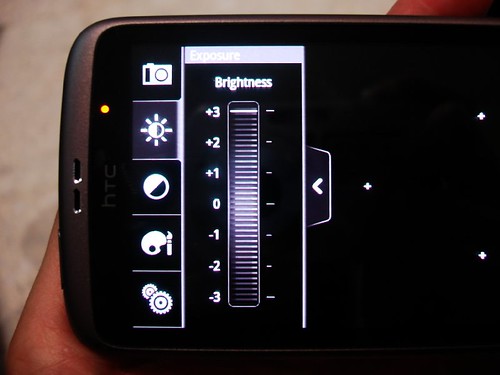
One ‘button’ down on the side menu, is the option for adjusting the brightness of your pictures/video. A pretty handy feature, especially in dim lightings conditions.
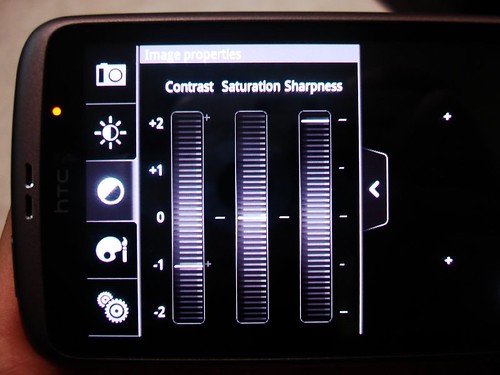
Then, image/video properties where you can slide the bar to choose your desired level of Contrast, Saturation & sharpness. I usually slide it up to the max for Sharpness! 😉
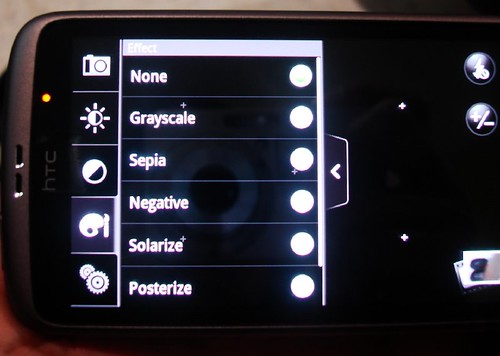
Some fancy effects for your video/photo if you wish.
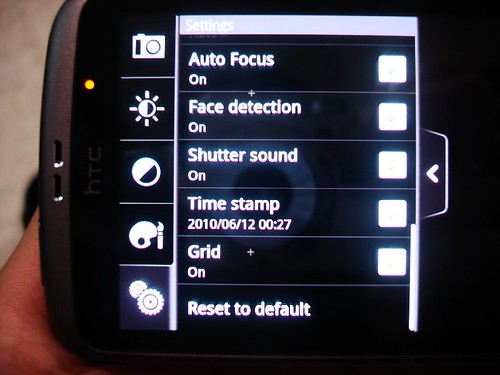
The last “button” has the most functions within. A tap on each of the options here takes you to MORE options! The screenshots below are shown for those with multiple options after the initial tap.
Some straightforward ones are Auto-Focus (ON/OFF), Face Detection (ON/OFF), Shutter sound (ON/OFF) – of which I did not take screenshots of cos that would be a waste of time.
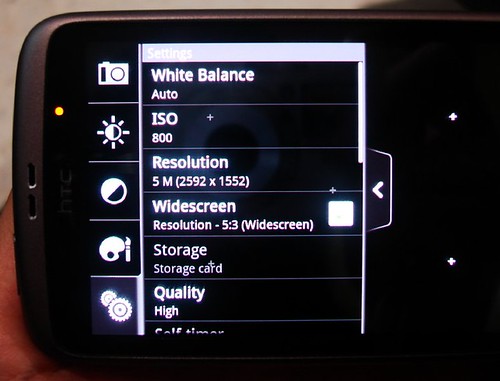
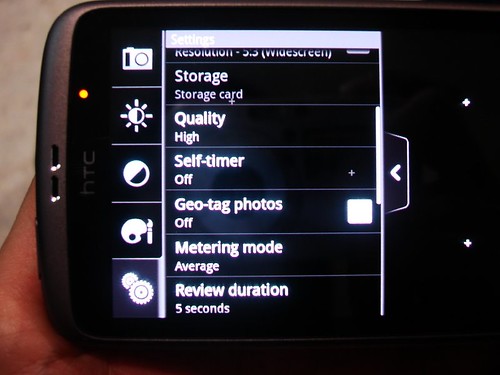
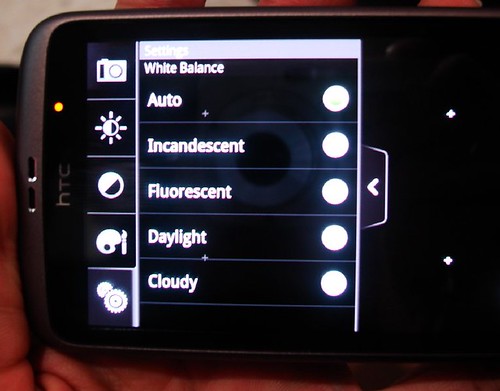
Let’s start with the White Balance. Nothing new on a camera, but it’s appreciated that these options are available anyhow 😉
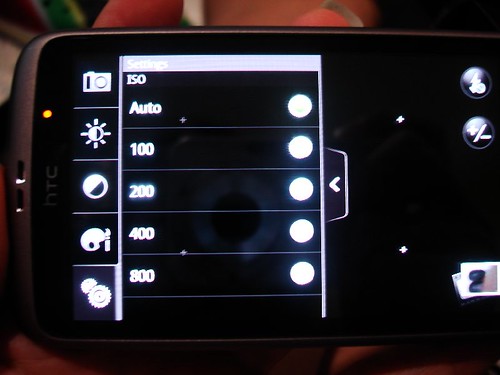
The highest ISO is 800.
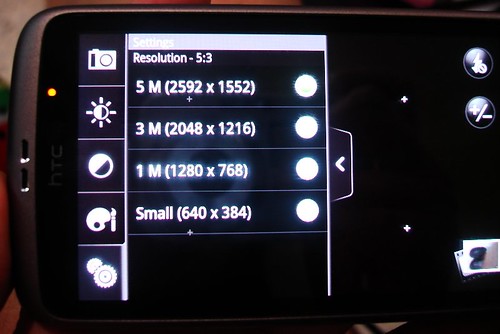
Resolution. I just left mine on 5M all the time!
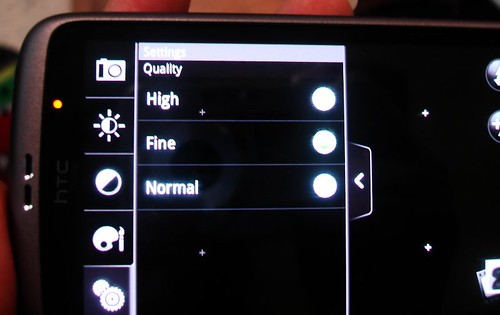
And kept the Quality on “Fine”.
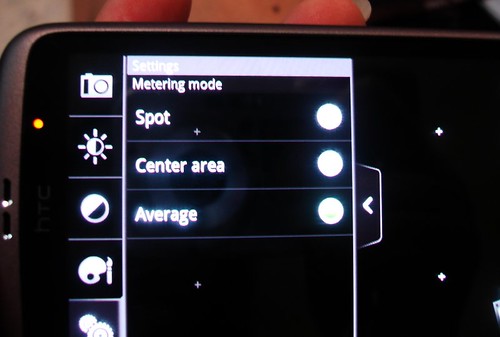
The Metering Mode. In photography, the metering mode refers to the way in which a camera determines the exposure (wikipedia). I have been using this camera on “Average”, which I think may not be such a good idea.. Hmm… :unsure:
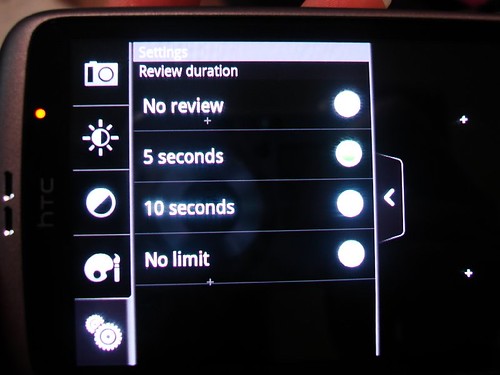
Review Duration. Seriously, there are plenty of options for me to customise how I want my photos or video to be.
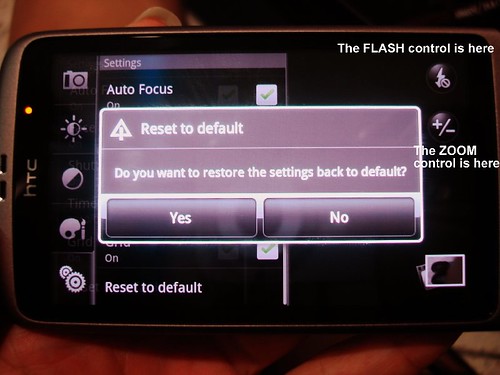
On the HTC Desire, the FLASH control and the zoom function is on the opposite side of the screen of the menu. See below (on the right side of the screen shot).
And lastly, if anything fails, there is always an option to Reset to default! 😉
And now, the – NEXUS ONE.
5.0 megapixel color camera with auto focus,
2X digital zoom, LED flash, and geo tagging.
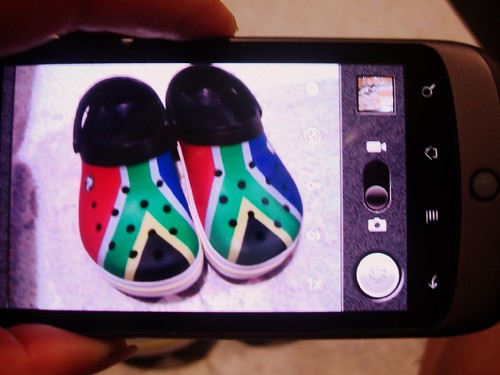
As usual, the menu slides out from the side. As you would notice from the next few screenshots, the options on the Nexus One can be considered limited when compared to the HTC Desire.
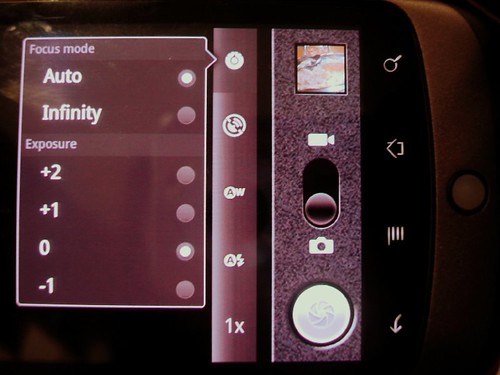
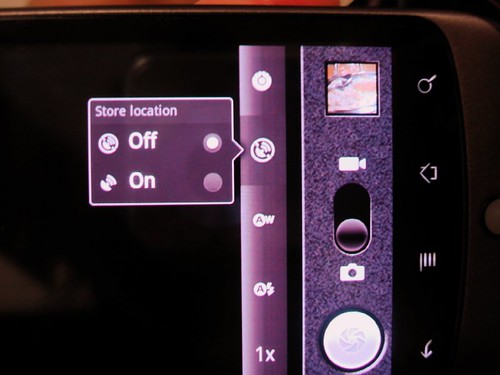
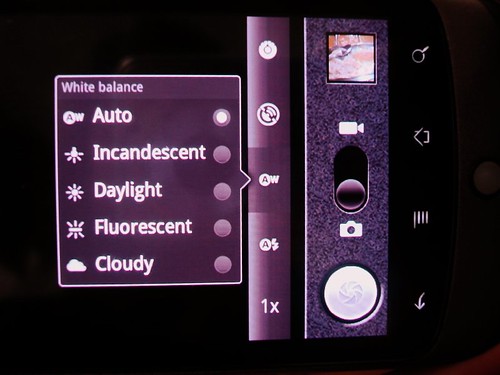
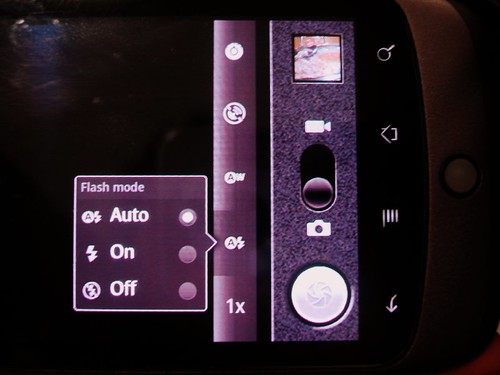
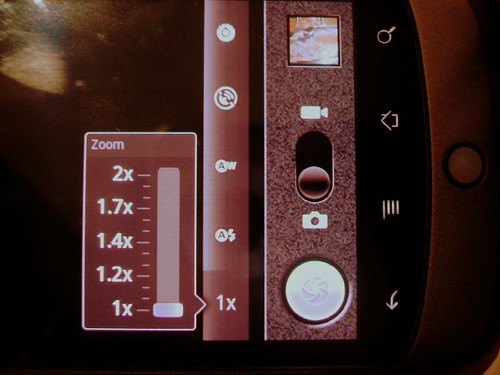
So although both cameras are 5MP, there are obvious differences in the functionalities that comes with the phones, which no doubt in turn, affect the image/video quality. For the camera function, the HTC Desire triumphs over the Nexus One (with a shadow of doubt!). For more on the pictures quality, do check out my post HERE.



u sure are crazy about this phone, i tell ya!
I’ll stick to my iPhone 🙂
last time I used to have a HTC Touch but sold it to my friend after using it for a month…
U make me to grab one!
Pingback: Androidliving.com
from afar both phones looks similar 😛 never had the chance to play with a desire, let alone a nexus one T.T
Pingback: Maxis10Reviews: The HTC Desire vs the Blackberry | thenomadGourmand
Hi mate, your blog’s design and style is simple and clean and i love it. Your website posts are outstanding. Please keep them coming. Greets!!?!!
Your blog is so informative ¡ keep up the good work!!!!
Pingback: Sony Ericsson C902 Cyber-Shot Unlocked Phone with 5 MP Camera, Media Player, M2 memory slot – U. S. Version with Warranty | Cell Phone Choice Blog
HOT=)
Does the Nexus One allow Date and Time Stamps on the pictures taken?
hi rebecca, I’m a nexus one user and I have to say that I agree with you… my phone is rooted and I’ve used the desire cam on my phone before and I loved it…. having said that, I’m using the stock cam now cos a developer came out with a mod that enables nexus one to take 720p videos….
I’m not surprised if anyone say Nexus One looks similar to HTC Desire. I tell you now, they’re from the same factory babe.
Pingback: Maxis10Reviews - Google Nexus One and the HTC Desire | thenomadGourmand
Pretty nice post. I just stumbled upon your blog and wanted to say that I have really enjoyed browsing your blog posts. In any case I’ll be subscribing to your feed and I hope you write again soon!
I love your website! did you write this yourself, I mean, are you a techie writer? Im looking for one so thats the only reason I’m asking. Either way keep up the nice work, I m impressed 🙂
this phone is like a million dollars. Damn a lot of good features!